
ॐ Chinmaya Gita Samarpanam
📩 Invitation & Access
The participant will receive an invitation from “Chinmaya Gita Samarpanam” by email prior to the May 9 event.
The invite will contain the webex meeting joining information and participant instructions.
Participants: Not sure if you are registered? Click here to verify. You will receive an email confirmation and your meeting assignment if one has been generated.
📅 Required Participation (10:00 AM EST/7.30 PM IST)
- April 25 – Trial Meeting(Mandatory)
- May 2 – Trial Meeting(Mandatory)
- May 9 – Official Guinness Record-Breaking Event
All sessions begin at 10:00 AM EST/7.30 PM IST. Chanting will be done two times
Start times (start chanting exactly at these times)
| US EDT | US CDT | US PDT | India | GMT | |
|---|---|---|---|---|---|
| Chanting #1 | 10:15 am | 9:15 am | 7:15 am | 7:45 pm | 2:15 pm |
| Chanting #2 | 10:35 am | 9:35 am | 7:35 am | 8:05 pm | 2:35 pm |
🖥️ Pre-Session Preparation
- Join 10 minutes early.
- Center yourself clearly in the screen with Video ON.
- Sit in a comfortable position with no external and surrounding distractions.
- Set your display name correctly.
- Participants can keep a print copy of the Chapter 15 lyrics and keep it handy.
- Ensure your Audio is ON and speaker volume lowered.
- Sit in a well-lit location. Ensure light is focused on your face with no light source behind you. Do not sit with your back to a window — this will darken your face on camera.
For General Question and Concerns: cgs@chinmayavrindavan.org
For technical issues and Setup Issues: cgs-tech@chinmayavrindavan.org
📷 Camera Setup
- Be closer to the camera so your full face is visible, especially your lips.
- Stabilize position of device used (phones/mobile device to be in horizontal/landscape mode).
- Adjust your camera so your face is not covered by the name display in your self-view window.
- Blur your background or set no background image.
Examples of Valid & Invalid Camera Setups
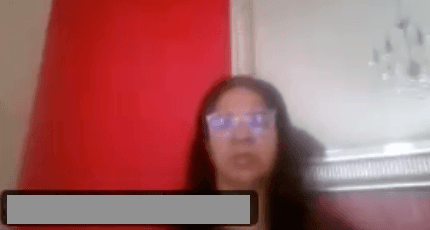
Hazy/blurry camera
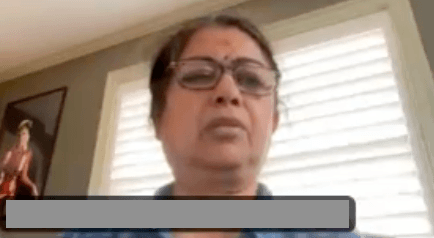
Clear, close-up face
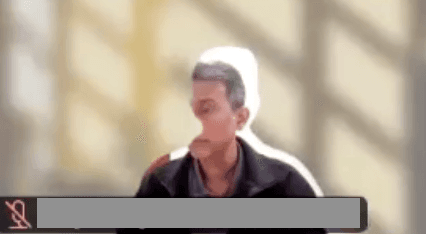
Bad background / camera tracking issue
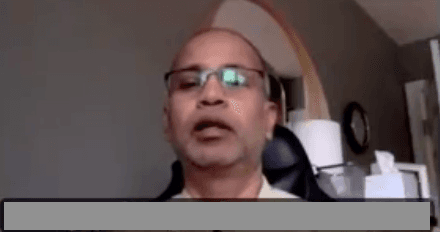
Blurred or virtual background
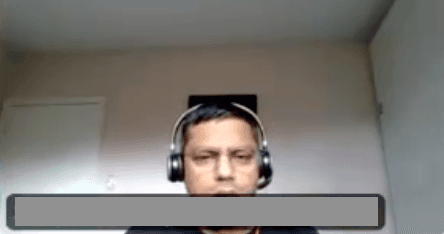
Display name covering face
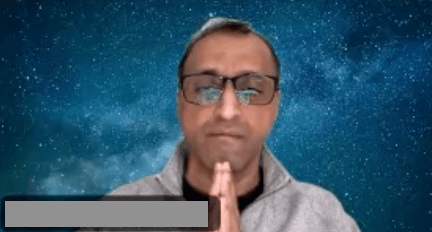
Name display not obscuring face
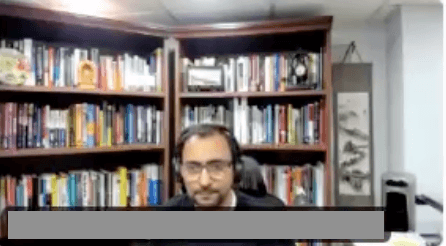
Face too far / too small
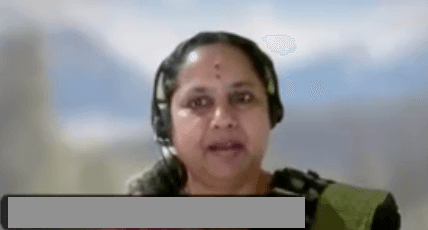
Face fills most of the frame
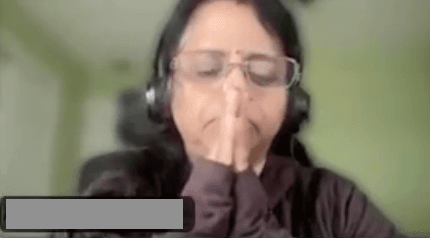
Namaskar/hands covering mouth
Hands visible but not blocking mouth
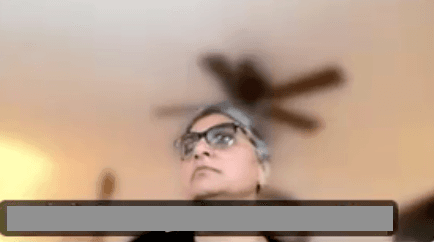
Face turned away from camera
Face directly toward camera
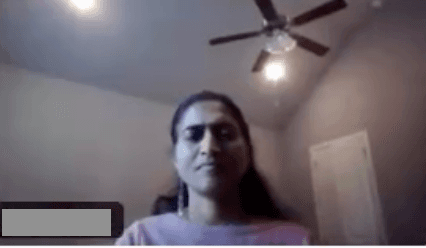
Half dark face (backlit)
Well-lit face
🎥 At the time of Chanting
- Participants must clearly see the lyrics displayed in the host's background.
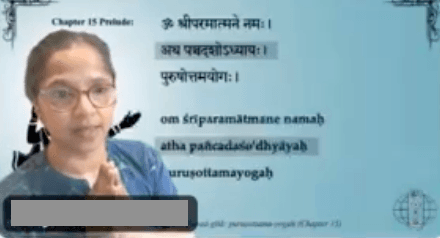
Example: host on Stage with lyrics in background - Wait for the host's instructions.
- The host will display a background video highlighting the verse.
- Unmute your audio and lower your speaker volume.
- Follow the visual cue to begin chanting.
- Ensure lip movement is clearly visible.
- Joining hands (Namaskar pose) is allowed, as long as your hands do not cover your mouth — lip movement must be clearly visible for verification.
- During chanting, if you get dropped or go out of the meeting, do not try to join immediately. You can join back for the next recording session.
🔁 Recording Process
- The host will record the chanting.
- Recording will stop after completion.
- The chanting and recording will be repeated 2 times to capture the best version.
Your discipline and coordination make this possible.